Using the IDE
Learn how to use our online IDE for real-time-collaboration.
December 14, 2023
1 Min Read
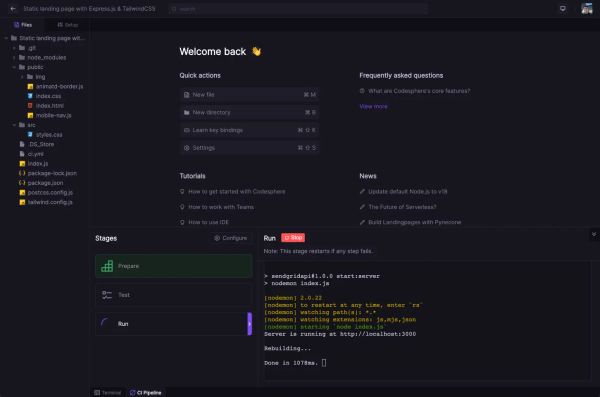

Table of Contents
Old Documentation
This documentation has been superseded by a new version. Please visit our new documentation for the most up-to-date information and features.
Codesphere's IDE lets you make quick ad-hoc changes to code, or even develop entire applications within the platform.
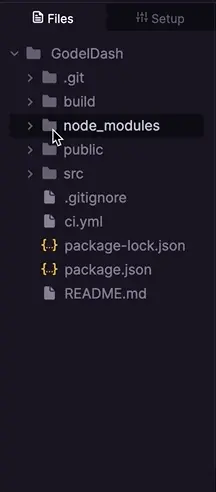
The Filetree
Codesphere gives you full access to your app's filetree. You can create, delete, reorder, or duplicate files and folders just by right clicking
Key Bindings
The IDE has the following Key Bindings by default:
| Keys | Action |
|---|---|
| Ctrl + B | New Directory |
| Ctrl + M | New File |
| Ctrl + Shift + K | Open Key Bindings |
| Ctrl + Shift + S | Open Settings |
| Ctrl + Shift + H | Help |
| Alt + W | Close Editor Tab |
| Ctrl + LeftArrow | Select Previous Tab |
| Ctrl + RightArrow | Select Next Tab |
| Shift + Shift | Search Everywhere |
| Alt + T | Open/Close Terminal |
| Ctrl + I | Comment/Uncomment Code |
| Ctrl + J | Delete Selected Line of Code |
Customization
You can customize the Codesphere IDE to fit your preferences by navigating to the settings tab.